Make pluginsthat look greatand sound amazing

Design. Build. Publish. All in one studio.
Scroll to build
Vellum Studio — Screen 1, wireframe mode

One canvas. Every stage.

01

Wireframe

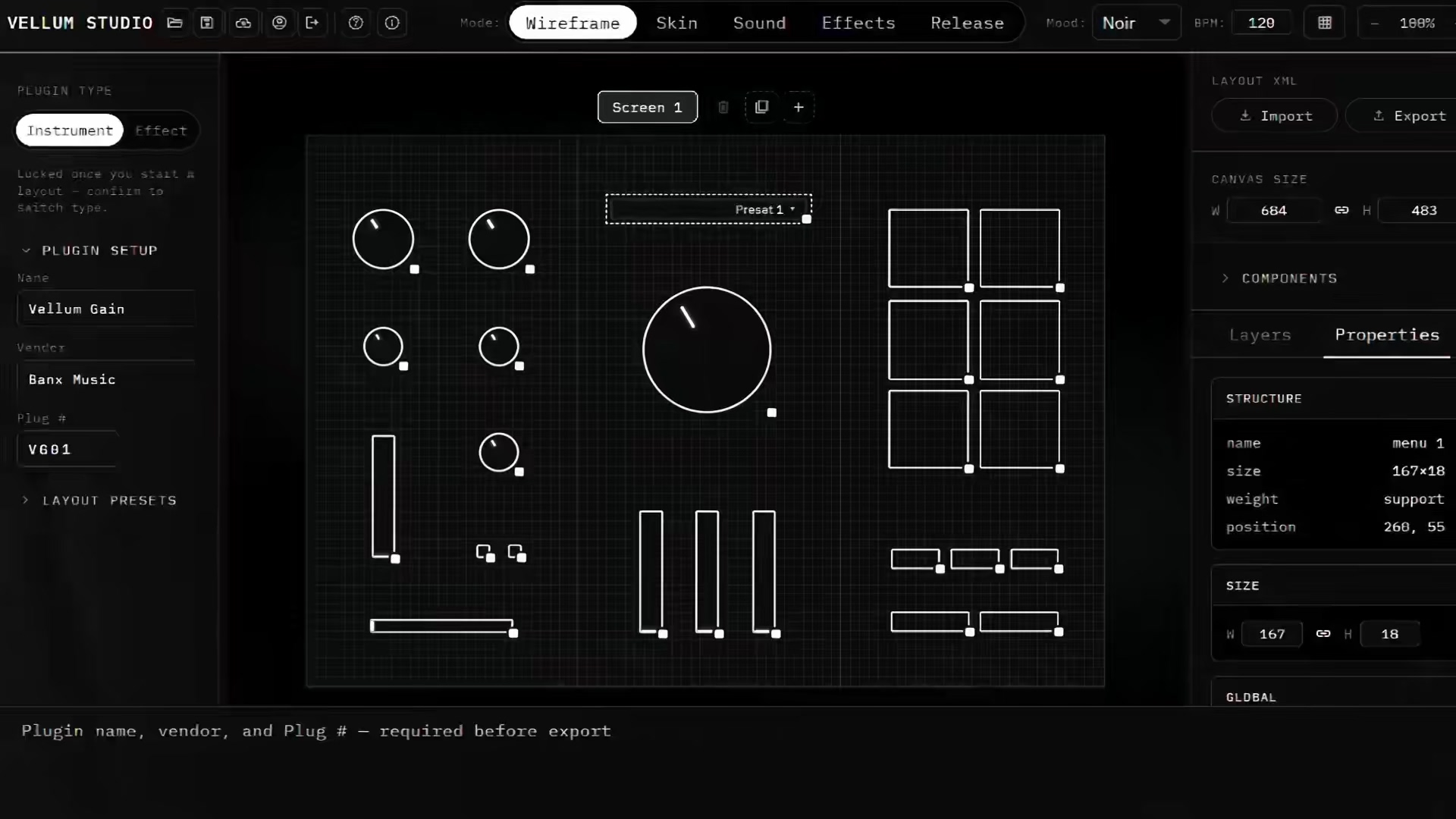
Start in Figma or drop straight into Vellum's canvas — choose from 20+ prebuilt instrument, effect, and MIDI FX layouts, or build your own from scratch.

02

Skin

Apply a full visual skin in one pass — drop in your own PNGs, film strips, and backgrounds, with live preview against your actual layout.

03

Sound & Effects

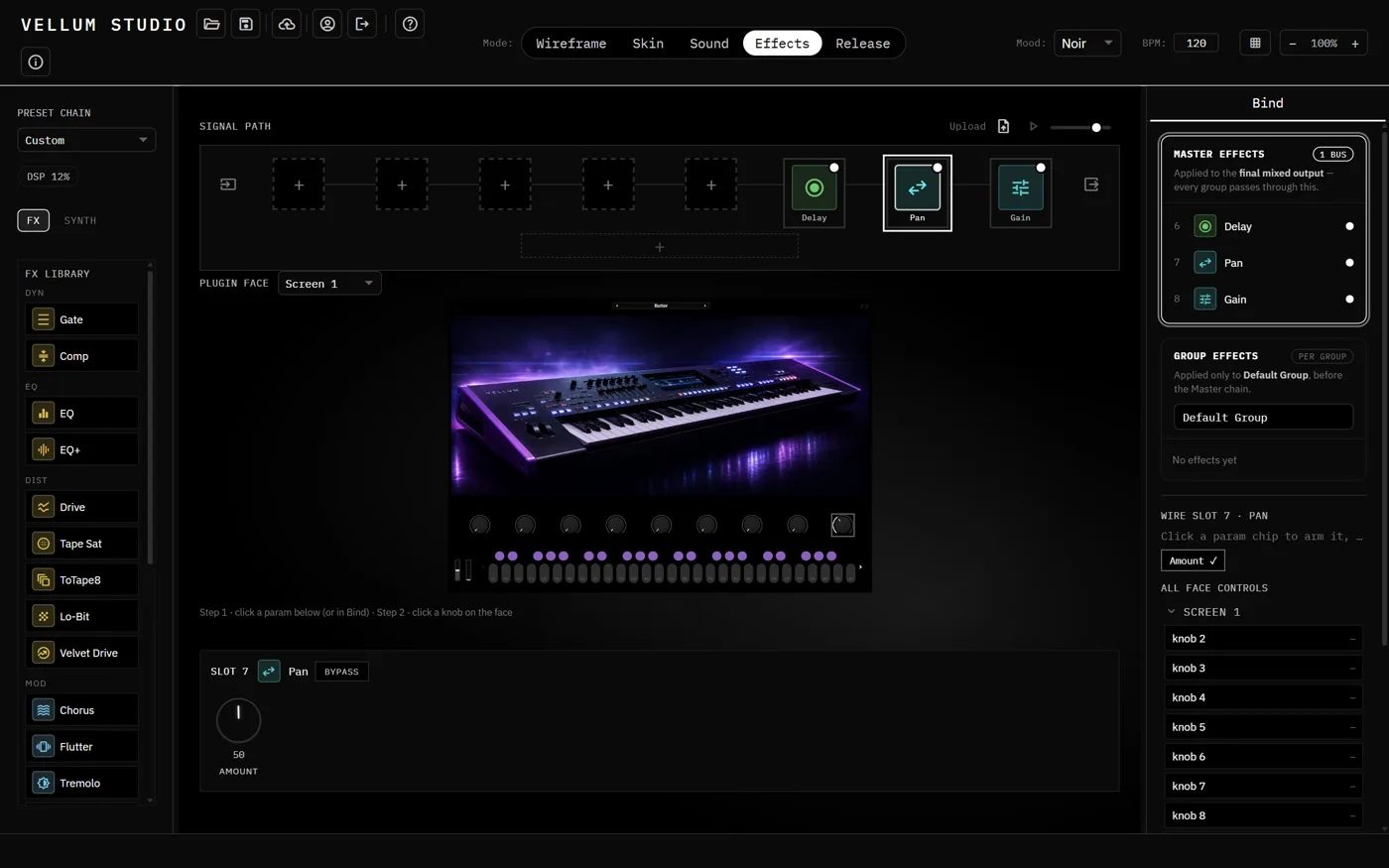
Import samples or use the built-in physical modeling engine. Hit Bind and every matching control blinks — no parameter hunting.

04

Release

Run the build checklist, sign off, and ship from the cloud — track status live, then download a production-ready installer.
Watch it get built.

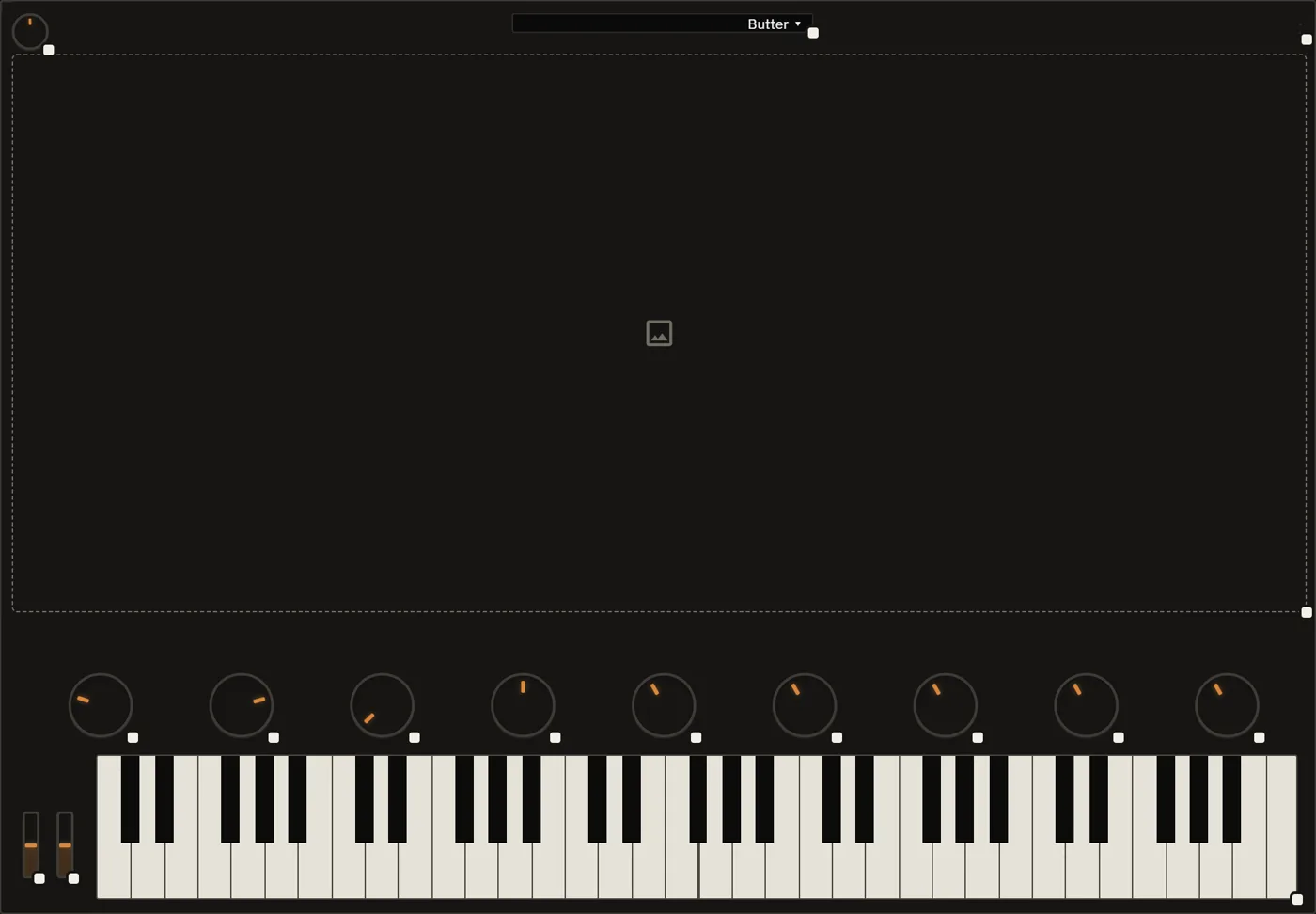
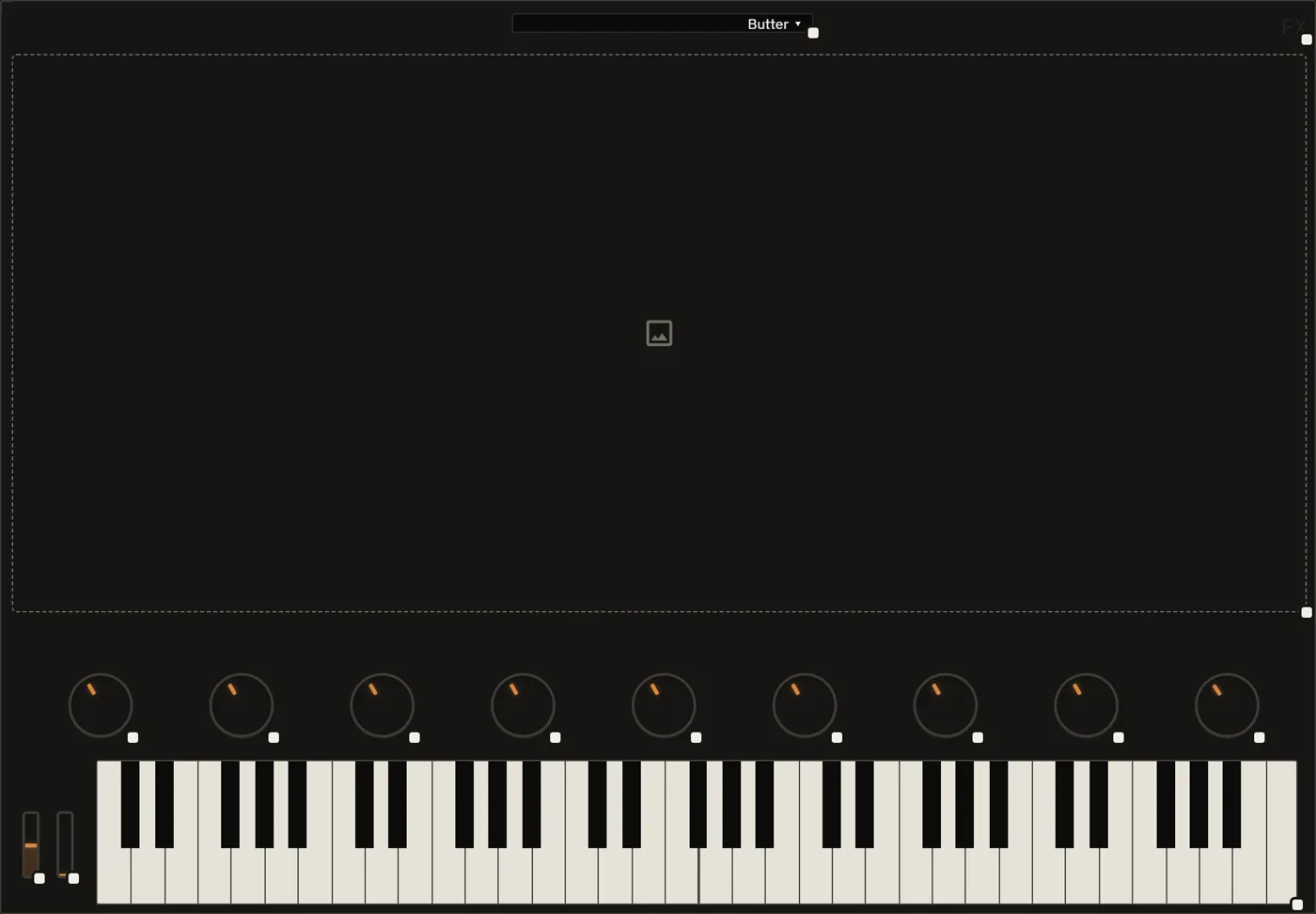
Wireframe layout of a Vellum Studio instrument screen
Start with a wireframe.
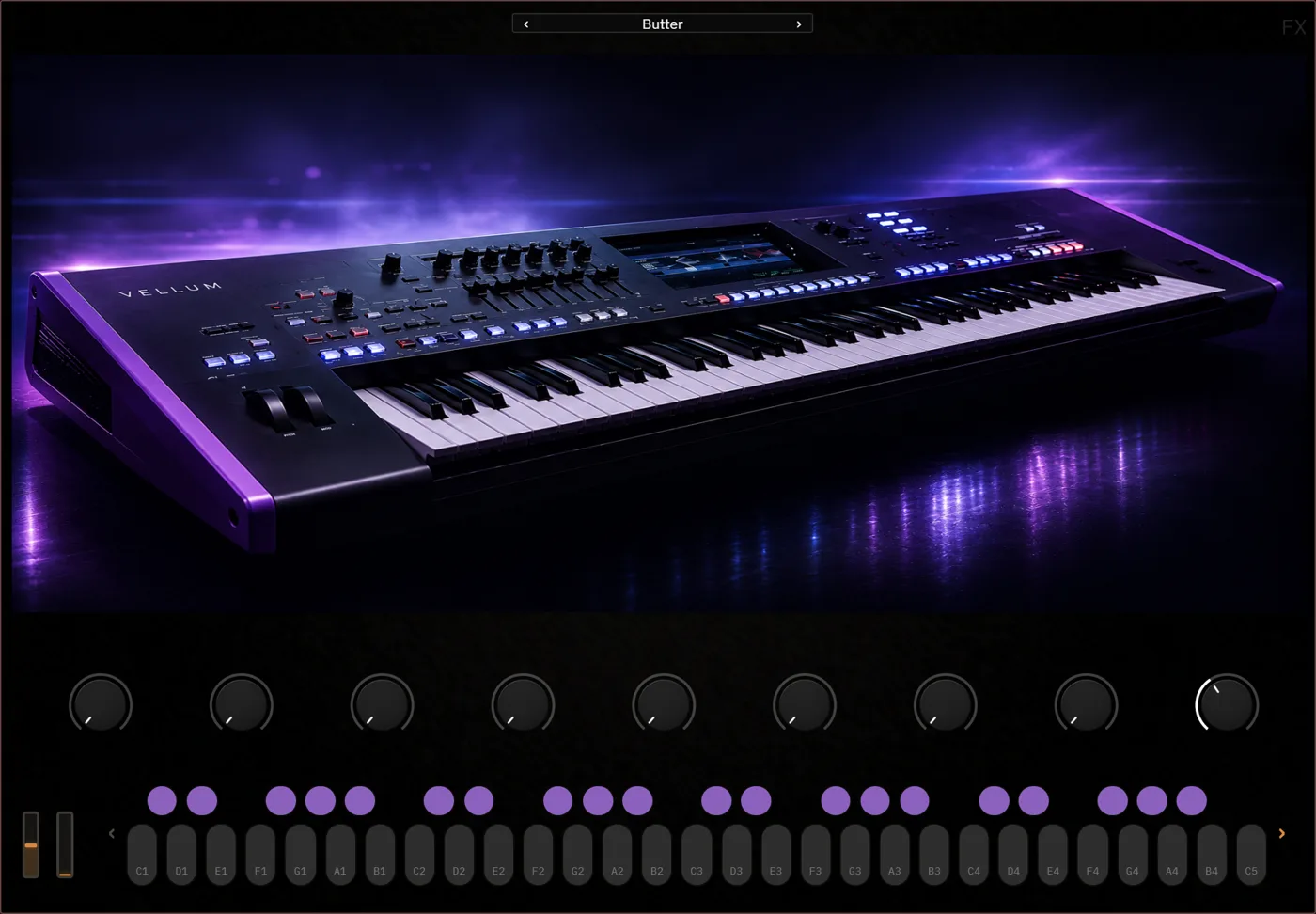
Skinned instrument screen showing a photoreal keyboard
Skin it into a real instrument face.
Wireframe layout of a second screen
Every screen starts the same way.
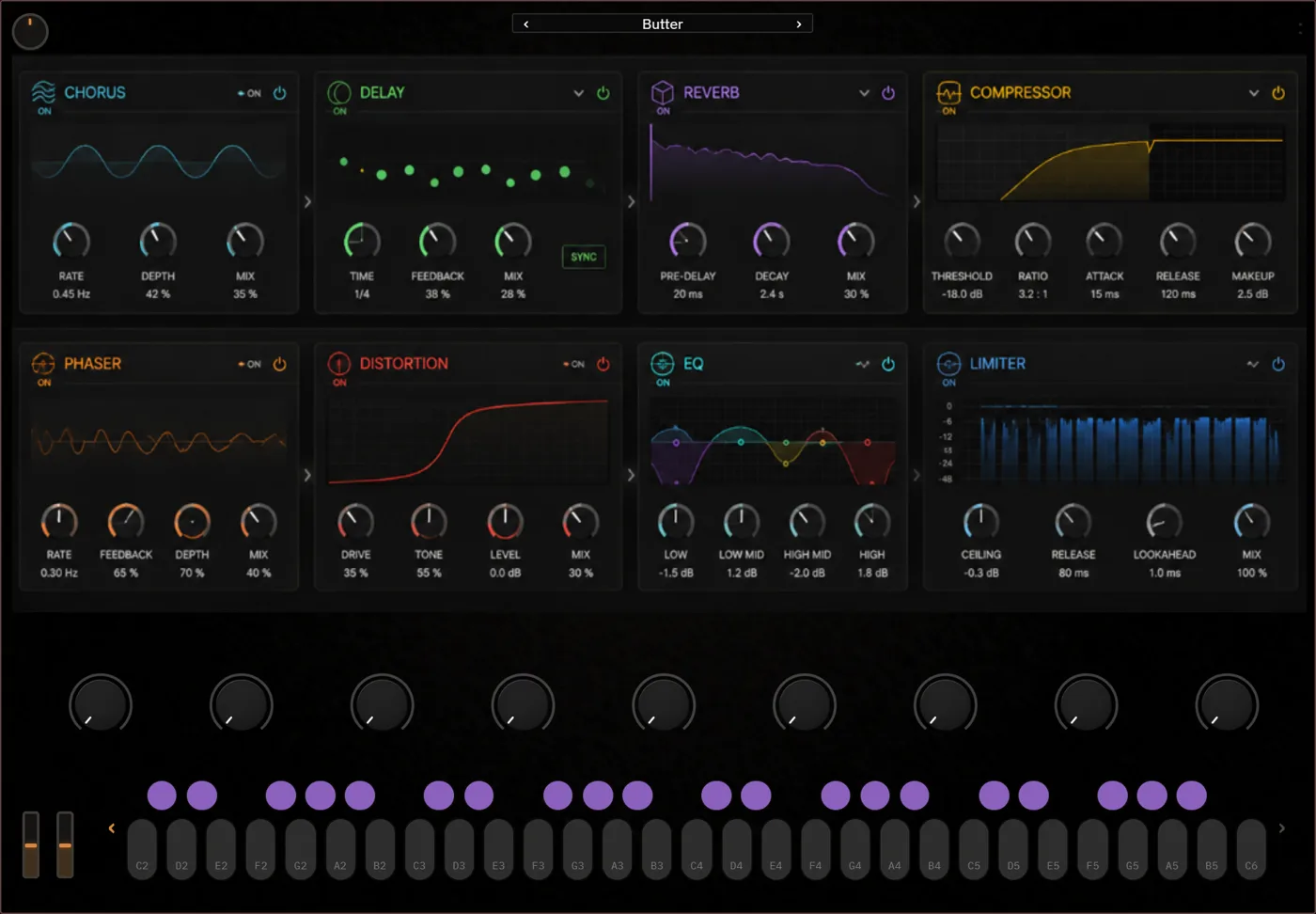
Skinned screen showing a full eight-module effects rack
This one becomes a full effects rack.
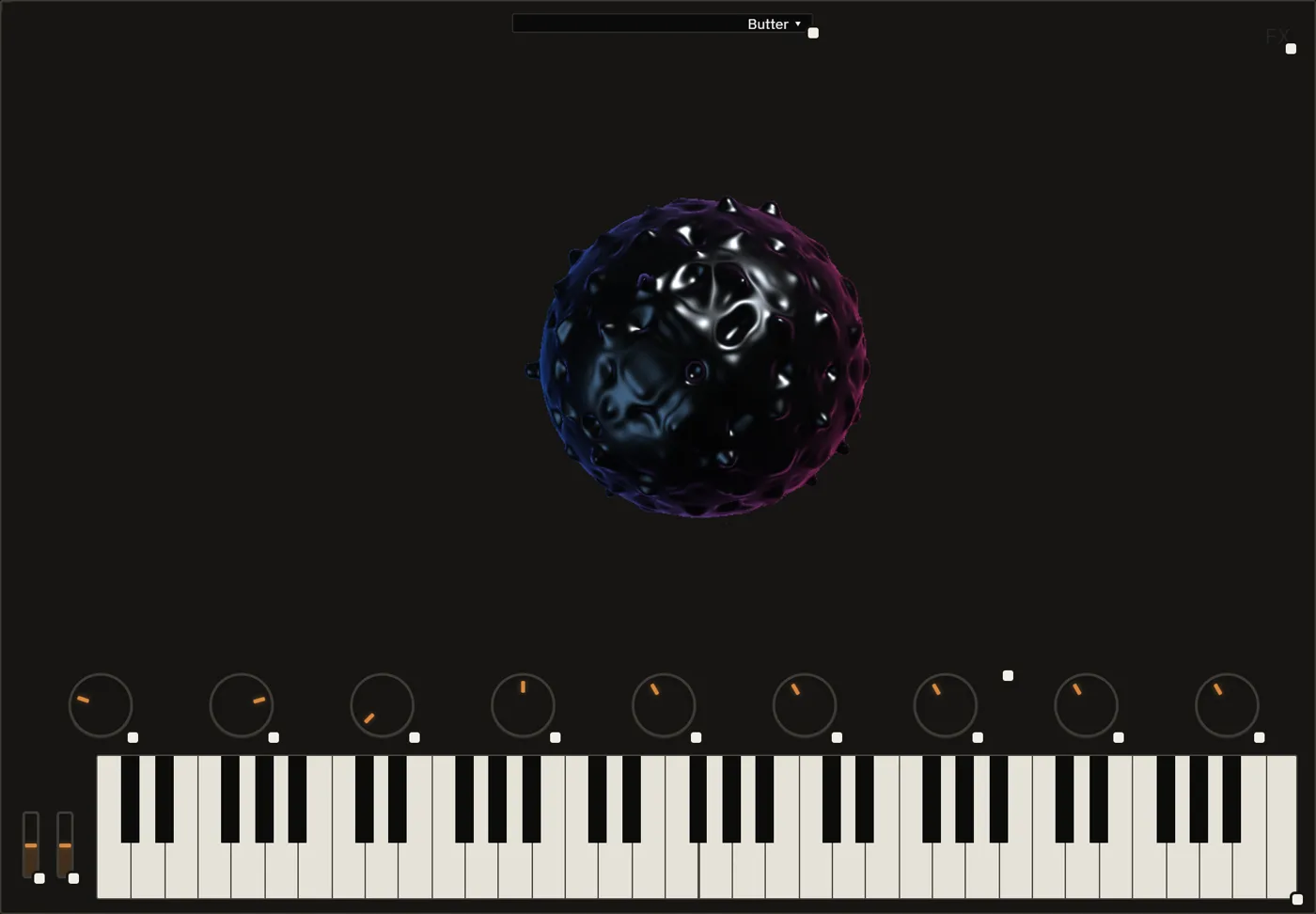
Wireframe layout of a third screen
Layouts, freely defined.
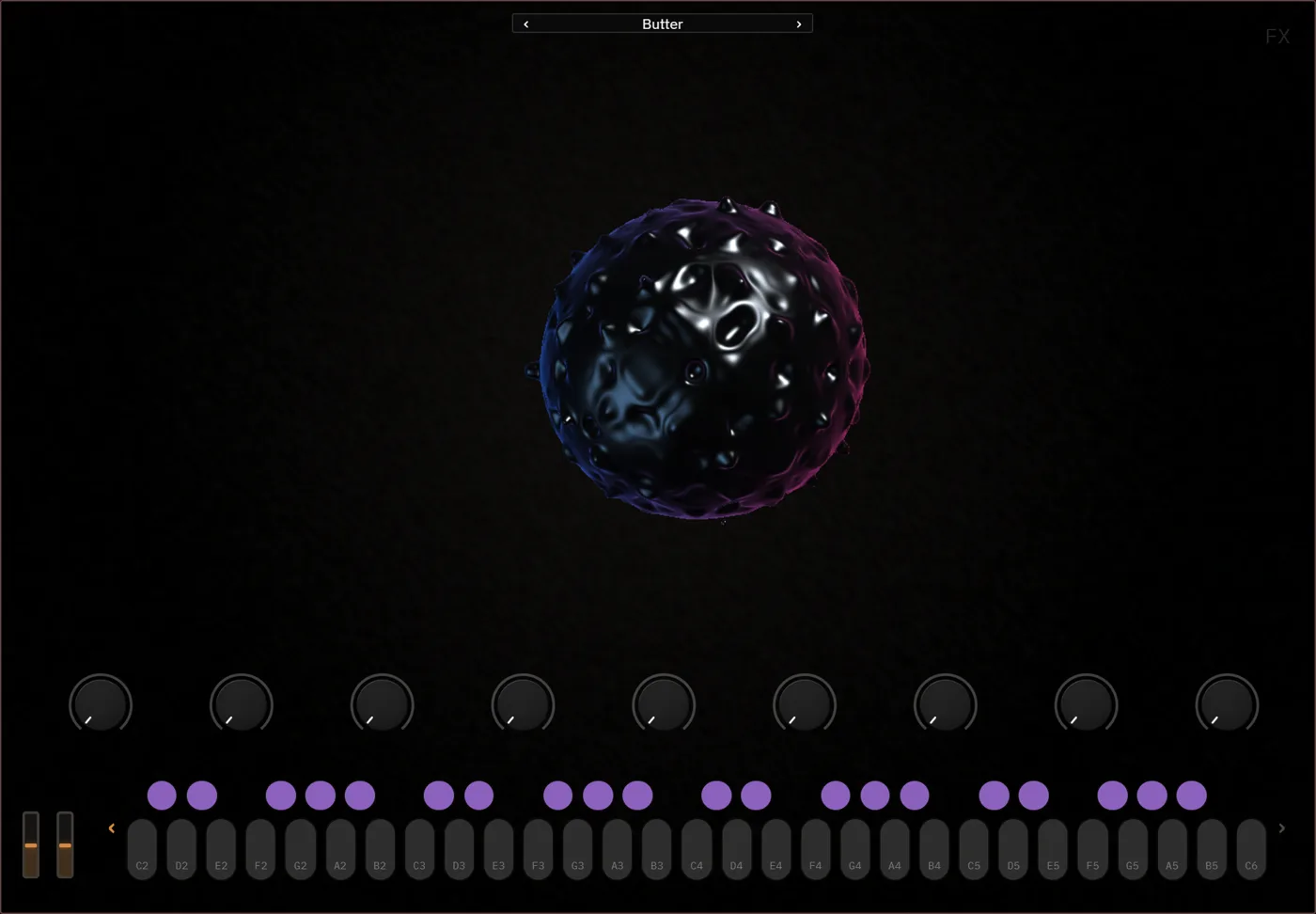
Skinned screen showing a custom reactive visual
...or something entirely custom.
Effects signal path editor with a live plugin face preview
Wire real signal chains, no code.
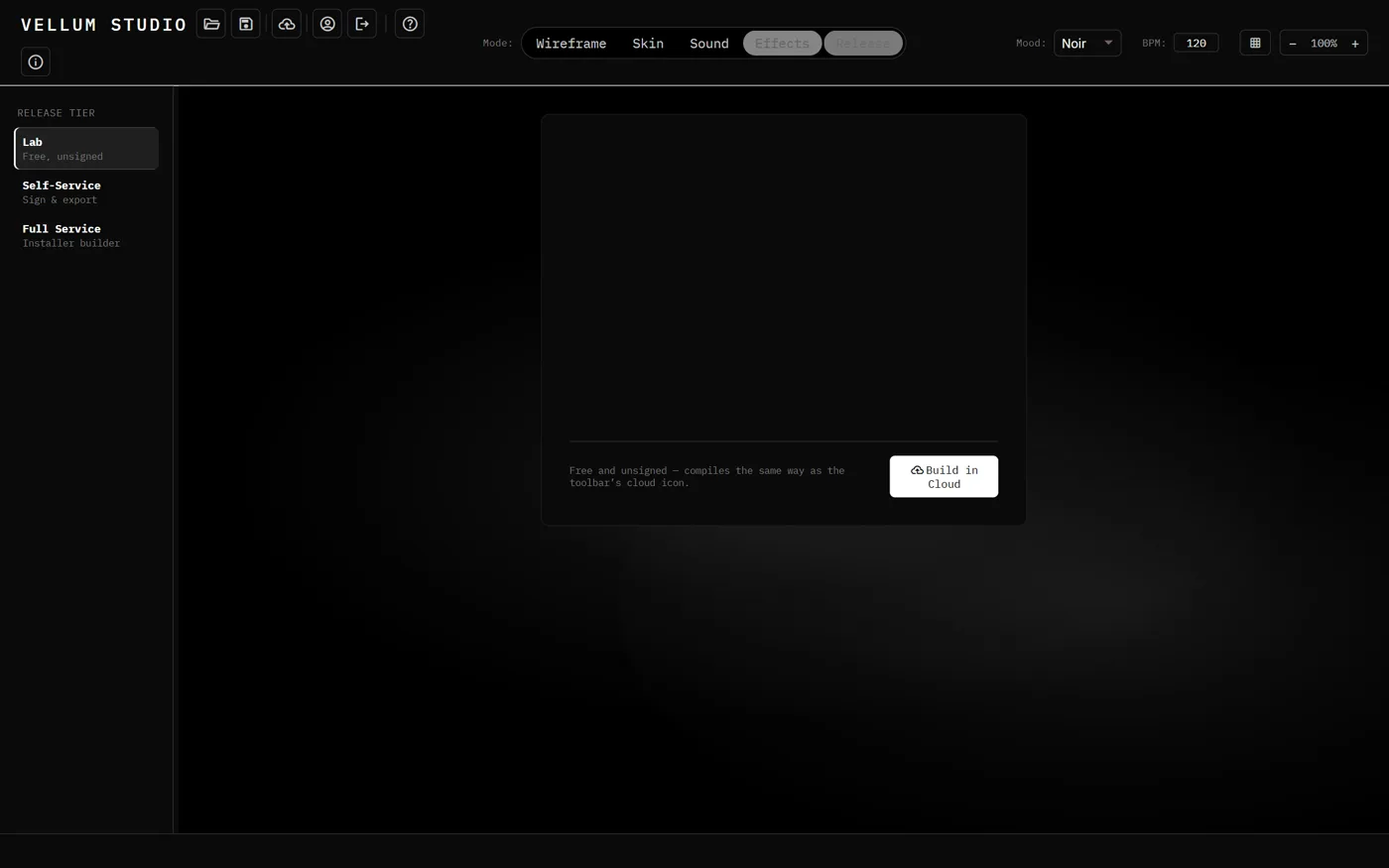
Release panel with build tiers and a build in cloud button
Then sign, package, and ship it.

Most builders stop at export.

Vellum Studio is designed around everything that usually comes after the plugin finally compiles.

The usual route

Sound engineBring your own samples or DSP
Required
PlatformNative desktop software
Install required
Parameter mappingManual wiring per control
Tedious
MIDI handlingBasic MIDI in/out only
Limited
Code signingCertificates, renewal, automation
Separate
License managerSerials, machines, activations
Separate
InstallersWindows + macOS packaging
Separate
Backend maintenanceHosting, security, updates
Ongoing
More tools. More maintenance.

With Vellum Studio

Sound enginePhysical modeling + sample import
Built in
PlatformRuns entirely in your browser
No install
Parameter mappingHit Bind, click to assign
Built in
MIDI handlingFull MIDI learn + built-in arp, transpose, humanizer
Deep
Signing + notarizationWindows + macOS
Built in
License managerSerial activation + management
Built in
Installer generationReady for distribution
Built in
InfrastructureManaged behind the workflow
Handled
Build. Release. Ship.

Choose how you want to build.

One-time build packs. No monthly fee.

LEARN & EXPERIMENT

Lab

Build and test while you learn.
$25
15 builds
  • Signed Windows + Mac builds
  • Ideal for testing and iteration
  • No installer — package and distribute it yourself
WE DO IT ALL

Launch

Everything needed to launch and sell.
$50
10 builds
  • Signing + notarization
  • Windows + macOS installers
  • Vellum License Manager

Questions, answered.

The things people usually ask before their first build.

No. Vellum Studio runs entirely in your browser. Wireframe, skin, wire up sound and effects, and ship, all without installing a single thing.

No. Import your own samples if you want to, or use the built-in physical modeling engine to generate sound from scratch. No external plugins or libraries required.

Yes. Our Figma plugin lets you design your layout there and import it directly into Vellum, or start from one of 20+ prebuilt instrument, effect, and MIDI FX layouts.

Hit Bind, and every matching control on your UI blinks. Click to assign, click again to remove. No hunting through endless parameter lists.

Yes. Full MIDI learn plus built-in MIDI FX like arpeggiators, transpose, and humanizers, in addition to instruments and audio effects.

No. Vellum Studio uses one-time build packs. Pay for the builds you need, no recurring fees.

VST3 and AU, for both Windows and macOS.

Our Launch tier handles signing, notarization, and installer generation for you, so you can focus on the plugin while we handle the release logistics.